
Orchestration
AI agent command center
Coordinate specialized agents with a human approval step before customer-facing actions.
- Incoming task
- Route to agent
- Approve action
- Record outcome
Automation
Twelve common automation patterns, shown as clear diagrams. Each is a plan we adapt to your tools — not a live connection.
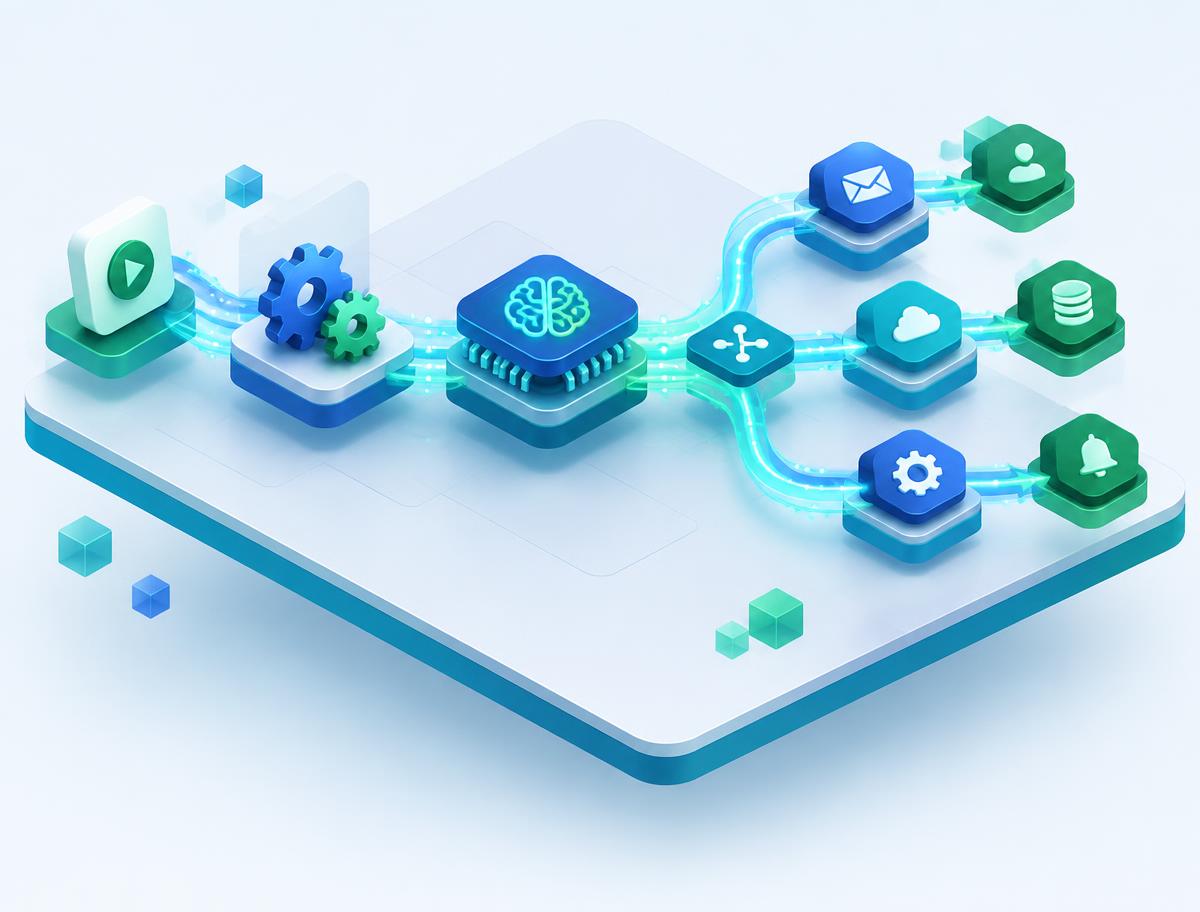
01 / 12 — Orchestration
Coordinate specialized agents with a human approval step before customer-facing actions.
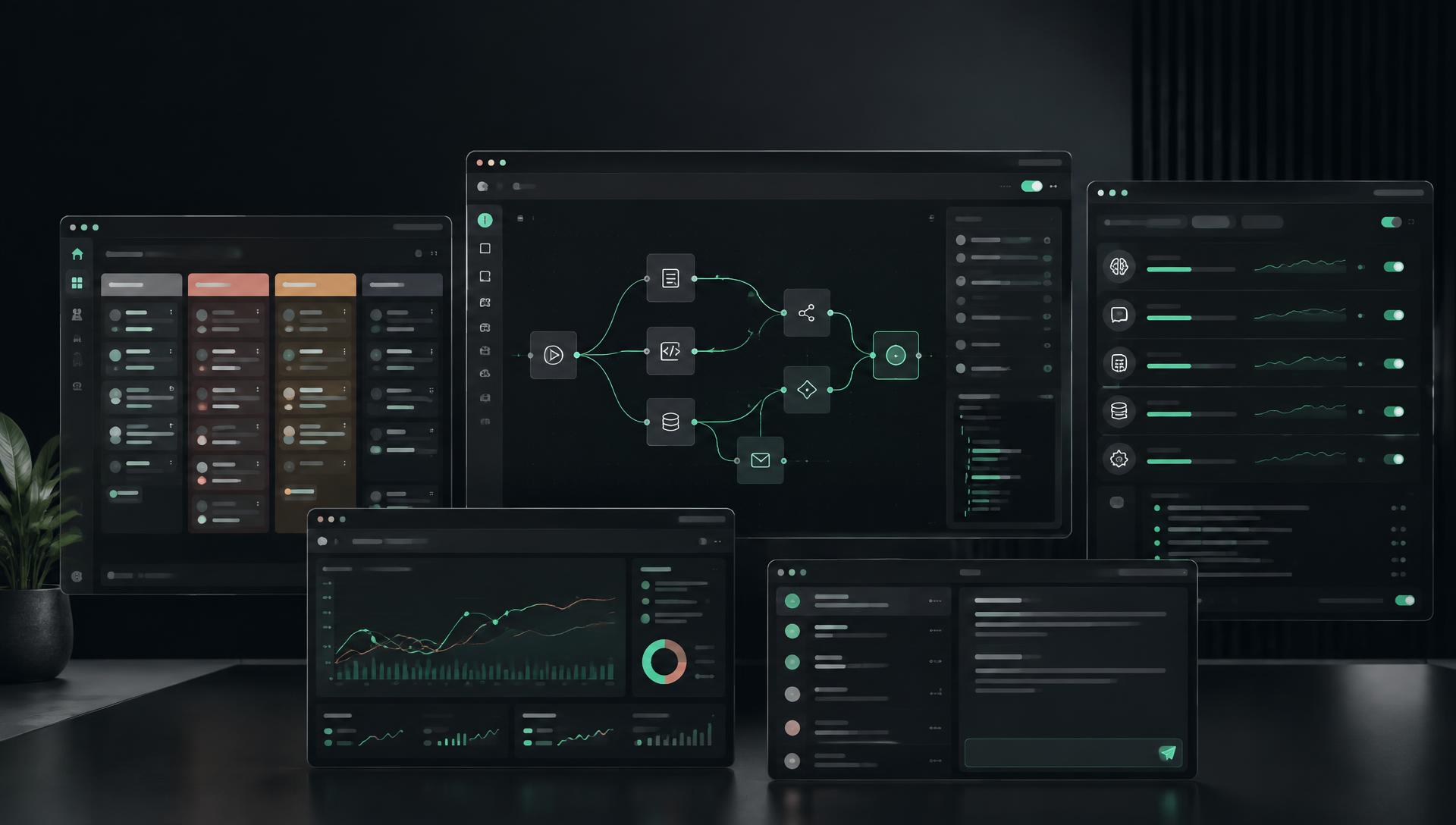
Orchestration
Coordinate specialized agents with a human approval step before customer-facing actions.
Workflow design
A proposed n8n-style workflow connecting lead intake to follow-up and reporting.
Sales operations
Capture inquiries, classify intent and hand qualified opportunities to the sales team.
Customer service
Draft answers from approved sources and escalate uncertain requests to a person.
Messaging
Plan opt-in customer follow-ups with CRM context and a reviewable message history.
Campaigns
Turn an approved campaign brief into channel-ready drafts and performance reports.
Orders
Keep order, inventory and customer updates synchronized through event-driven workflows.
Business intelligence
Normalize operational records and surface exceptions for review before reporting.
Agentic systems
Specialized agents collaborate over approved tools while maintaining traceable decisions.
Integrations
Connect existing systems with approval points instead of replacing the tools your team knows.
Development
Design, test and release tool-using assistants with clear input and output boundaries.
Operations
A connected operating model that keeps work visible across departments.